
Start here: SMS delivery, routing and what developers are missing
Most developers think they are sending SMS.
They are not.
They are submitting a request into a system that decides everything after that.
which route is used
how pricing is applied
why delivery succeeds or fails
That system is usually invisible.
What this actually means
When you call an SMS API, you do something like:
send_sms(
  number="316xxxxxxx",
  message="Your OTP code is 4839"
)
Looks simple.
But behind that request:
routing is chosen automatically
pricing is calculated after execution
delivery path is hidden
failures are hard to explain
You don’t control delivery.
You only trigger it.
The core problem
Most SMS APIs expose messaging.
They do not expose routing.
That creates real issues:
OTP arrives late or not at all
delivery changes between requests
pricing is unpredictable
debugging becomes guesswork
You cannot reproduce behavior because you never see the route.
What changes when routing is exposed
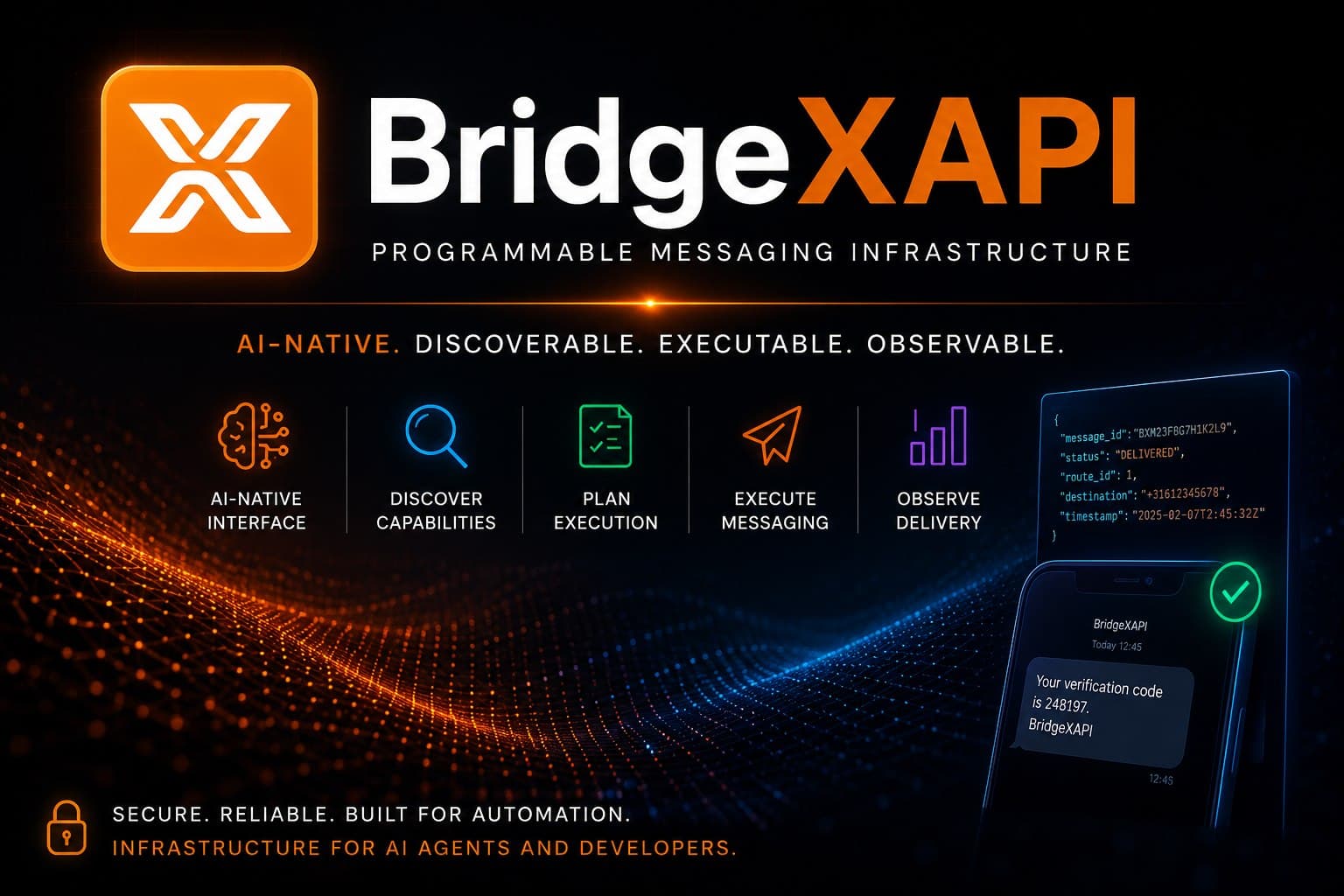
BridgeXAPI flips this model.
Instead of:
send message → system decides route
You do:
select route → execute delivery
Example:
send_sms(
  route_id=3,
  number="316xxxxxxx",
  message="Your OTP code is 4839"
)
Now:
routing is explicit
pricing is known before sending
delivery behavior is predictable
results can be tracked per message
This is not a messaging abstraction.
This is infrastructure execution.
How the system is structured
Traffic is not treated as one generic flow.
It is separated into routing profiles:
Public routes (1–4)
general SMS traffic
instant access
used for testing and standard delivery
Restricted routes (5, 7)
high-volume and specialized traffic
iGaming, casino, bulk messaging
different compliance and routing behavior
Web3 / risk routes (6)
token-related flows
risk monitoring and template-based messaging
designed for blockchain-related alerts and events
OTP / platform routes (8)
controlled sender ID
higher delivery consistency
used for authentication and verification
Each route is not just a path.
It defines:
delivery behavior
pricing model
sender policy
infrastructure path
How to get started
You don’t start with everything.
You start simple.
1. Create an account
Get your API key.
2. Use public routes
Test delivery behavior:
send messages
inspect pricing
compare results
3. Expand when needed
If your use case requires more control:
OTP flows
platform traffic
specialized routing
You request access to additional routes.
What to read next
If you want to understand the problem deeper:
→ Why SMS delivery is broken
https://blog.bridgexapi.io/why-sms-delivery-is-broken-routing-grey-routes-and-the-trust-problem-twilio-alternative-explained
→ Programmable routing vs messaging
https://blog.bridgexapi.io/programmable-routing-vs-programmable-messaging-the-infrastructure-layer-behind-sms-delivery
If you're building
You can start immediately:
Docs
https://docs.bridgexapi.io
Dashboard
https://dashboard.bridgexapi.io
Python SDK
https://github.com/bridgexapi-dev/bridgexapi-python-sdk
Final note
Twilio gives you programmable messaging.
BridgeXAPI gives you programmable routing.
One hides delivery.
The other lets you control it.